Is the panorama splitter free?
Yes, with no account and no watermark. Sign up only if you want to keep editing: add text, more photos or a layout.
Drop a wide photo and get Instagram slides that line up perfectly as people swipe. Free, no account, and your photo never leaves your browser.
Drop a panorama here
JPEG, PNG or WebP · 2 to 10 slides
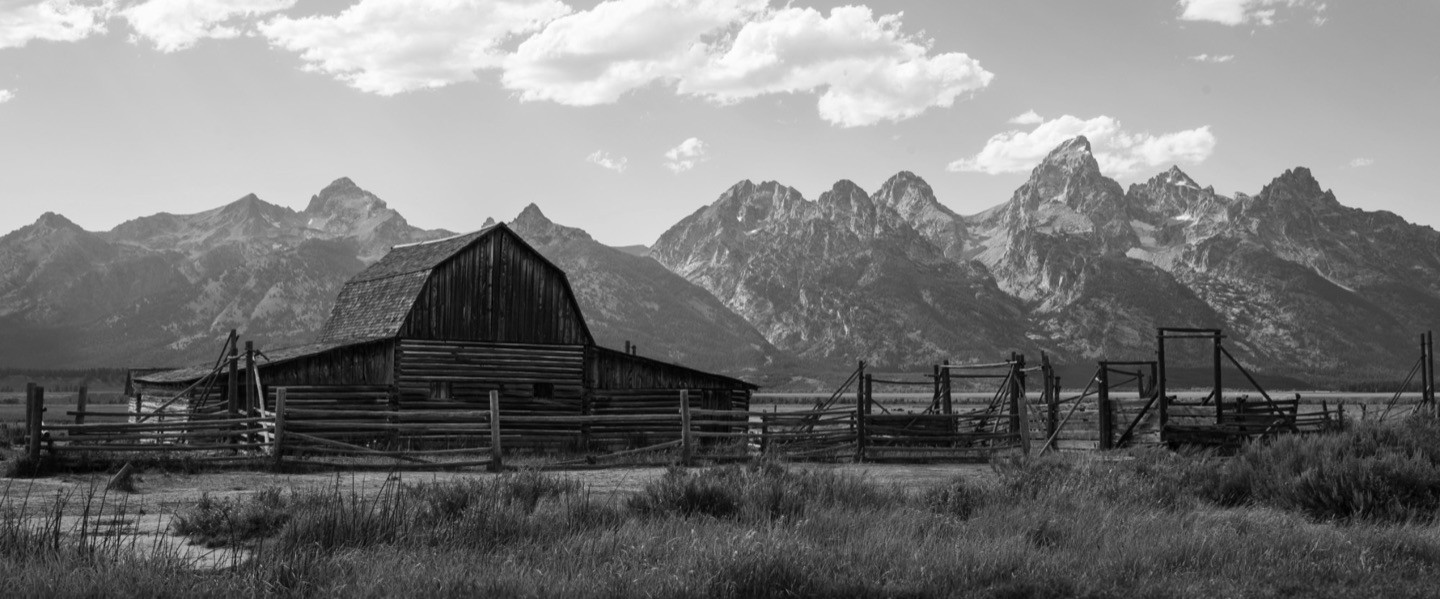
Any wide photo from your phone or camera, at full resolution.
Portrait 4:5, the taller 3:4 or square. Seamless suggests how many slides show the whole photo.
Swipe through it the way followers will, then save the numbered slides and post them in order.
Enough to show the whole photo without cropping the top and bottom. The splitter picks this for you; change it any time.
| Your photo | Portrait 4:5 | Portrait 3:4 | Square 1:1 |
|---|---|---|---|
| 2 : 1 | 3 slides | 3 slides | 2 slides |
| 3 : 1 | 4 slides | 4 slides | 3 slides |
| 4 : 1 | 5 slides | 5 slides | 4 slides |
| 6 : 1 | 8 slides | 8 slides | 6 slides |
| 8 : 1 | 10 slides | 10 slides | 8 slides |
Yes, with no account and no watermark. Sign up only if you want to keep editing: add text, more photos or a layout.
No. It’s split in your browser and nothing leaves your device.
Each slide is cut from your original photo at full resolution, never from a preview.
Instagram takes up to 20. The splitter makes 2 to 10; the editor goes to 20 with Pro.
Yes. Open this page on your phone, pick the photo, and share the slides straight to Instagram.
1080 × 1350 px for portrait 4:5. Every size is in the Instagram carousel size guide.
Open your panorama in the editor to add type, more photos and layouts.