Is the carousel splitter free?
Yes, with no account and no watermark. Sign up only if you want to keep editing the slides.
Made one long design in Canva, Photoshop or Figma? Drop it here and get Instagram slides that line up as people swipe. Free, no account, and nothing is uploaded.
Drop your image here
JPEG, PNG or WebP · 2 to 10 slides
One wide design exported as a single PNG or JPEG, from Canva, Photoshop, Figma or anything else.
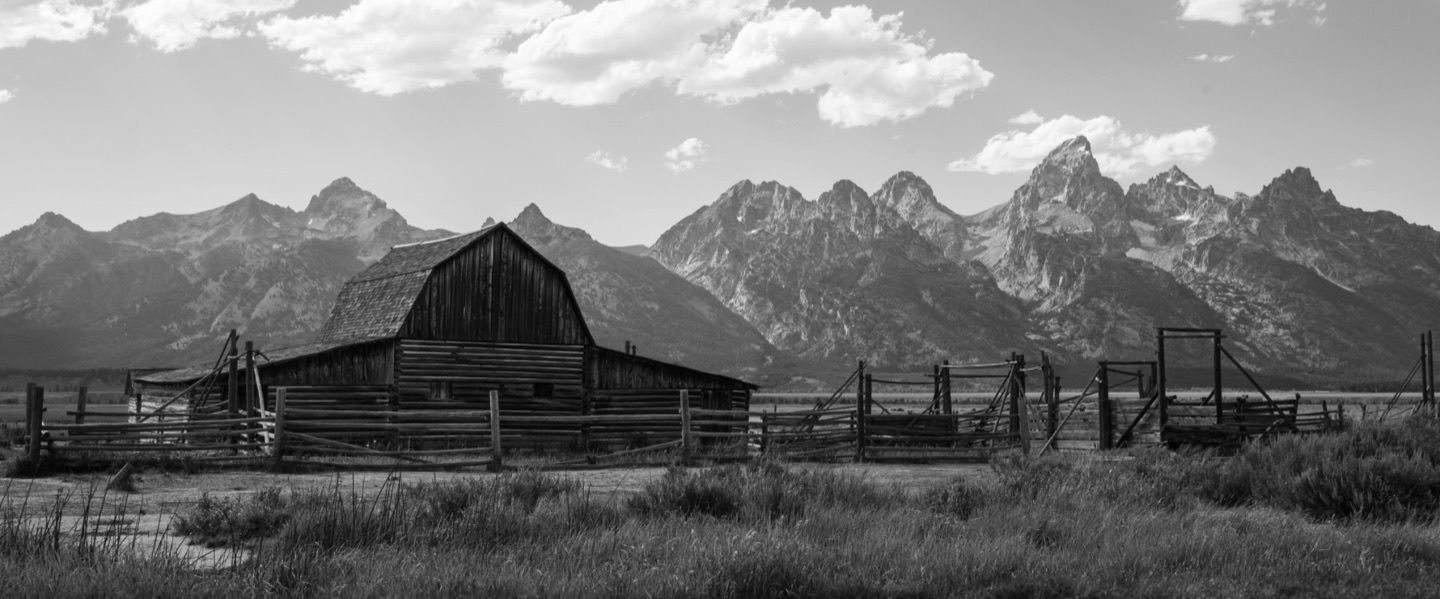
A panorama or landscape that carries on across the slides. The panorama splitter has more on those.
Pick a shape and a slide count, then drag to choose the part of the image that’s kept.
Divide its width by 1080. A design made at one of these sizes splits into exactly that many portrait slides, with no crop.
| Design size | Slides |
|---|---|
| 2160 × 1350 | 2 slides |
| 3240 × 1350 | 3 slides |
| 4320 × 1350 | 4 slides |
| 5400 × 1350 | 5 slides |
| 6480 × 1350 | 6 slides |
| 7560 × 1350 | 7 slides |
| 8640 × 1350 | 8 slides |
| 9720 × 1350 | 9 slides |
| 10800 × 1350 | 10 slides |
For 3:4 slides the height is 1440 px, and for square slides 1080 px. The width is the same.
Yes, with no account and no watermark. Sign up only if you want to keep editing the slides.
No. It’s cut in your browser and nothing leaves your device.
Yes. The splitter fits the slides to your image and lets you drag to choose what’s kept, so nothing important is cut off.
No. A grid splitter cuts a photo into tiles for separate posts on your profile. A carousel splitter cuts it left to right into the slides of one post.
2 to 10 here. Instagram takes up to 20; the editor goes to 20 with Pro.
1080 px wide per slide: 5400 × 1350 px for five portrait slides. Every length is in the Instagram carousel size guide.
Seamless sets the canvas, shows the seams and exports every slide at the right size.